Watch an old Azure demonstration once for the idea and a second time for the assumptions that made its steps work. A note that names the resources, permissions and tool version gives you something to compare with current documentation before you try the example.
Start your note with the demonstration’s goal
Imagine a fictional video that creates a storage resource and reads back one setting. Its goal could be “deploy a small resource from a template and confirm the expected name.” That gives you a useful benchmark even if the video opens an Azure portal screen that looks different today. Separating the goal from the interface also helps you decide which portions of the example you need to keep.
Stop at the first action that assumes something already exists. If the speaker selects a resource group, write down whether they created it in the recording or picked it from an existing environment. Capture the exact tool name and version when they are visible. If the version cannot be identified from the session notes or recording, leave that field open.
Record the boundaries of the example
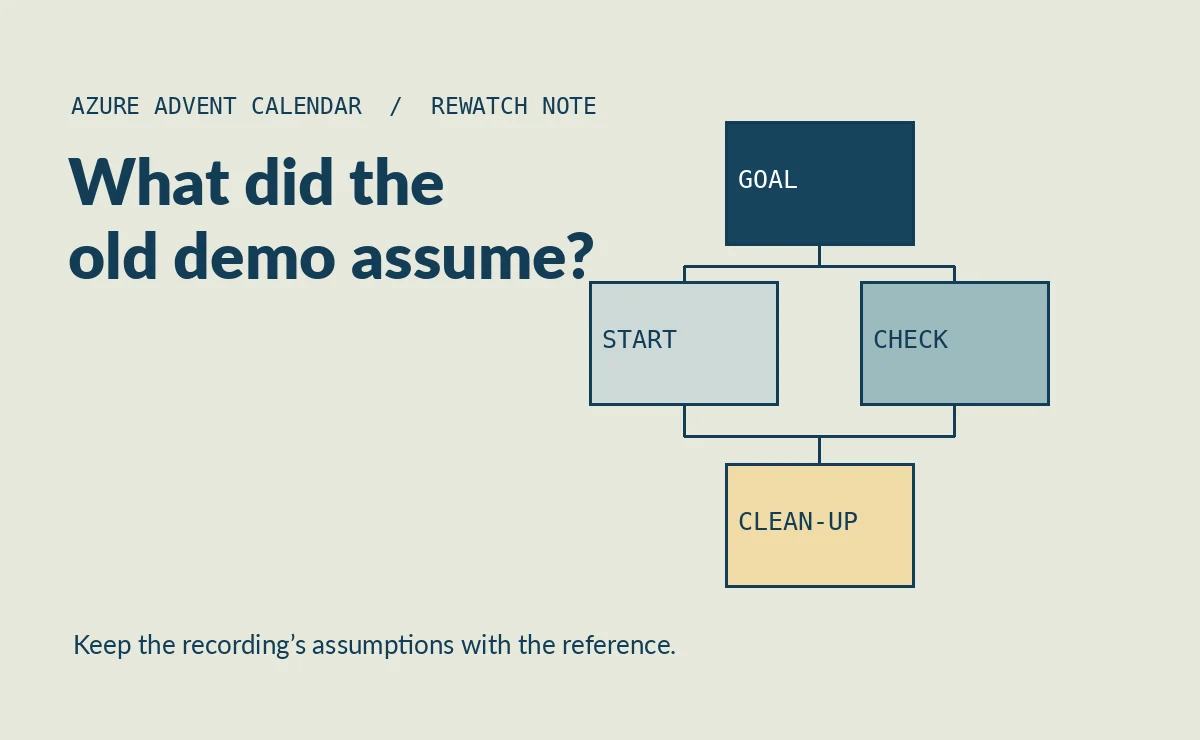
- Starting state. List the resources already present and any access shown in the example.
- Change. Record the resource created or changed and the setting used to recognise it.
- Check. Identify what the presenter inspects to decide that the demonstration worked.
- Clean-up. Note whether the recording describes what happens to the resources afterwards.
Microsoft’s Resource Manager overview explains the relationship between Azure deployment and management operations, resource groups and template scopes. Use it to check the terminology in your note. A current description of the service can clarify an older recording while leaving the old steps attached to their original context. Microsoft Learn guide to Azure Resource Manager.
Write down what you would check today
For the fictional storage example, a useful final note might be: “Confirm the demonstration’s deployment scope and read the storage account’s type and apiVersion in the resource declaration. Verify what account the example assumes before copying any step.” Use Microsoft’s ARM template syntax reference to check what each field specifies. Keep a link to the original recording and the moment that prompted the question.
Whenever you do run an old demonstration, use a workspace you are authorised to change and check the resources and costs involved beforehand. The note should help you make that decision. An old screen recording remains valuable as an explanation of an idea, especially when its assumptions are easy to find.